Router Placement Secrets
The Physical Geometry of WiFi
WiFi signals are simply radio waves. Like light from a bulb, they diminish over distance and get blocked by dense objects. If you place a lamp inside a closed metal cabinet, you wouldn't expect it to illuminate the room. Yet, millions of people hide their internet routers behind televisions or inside utility closets.
The single most effective, free upgrade you can perform on your home network is moving the router to an optimal location. Think of your router as an umbrella; it needs to be open and high up to cover the space effectively.
Elevate and Centralize
Because routers broadcast signals outward and slightly downward, placing a router on the floor ensures half your signal is immediately absorbed by the ground.
- Height: Aim for at least 3 to 5 feet off the ground. A bookshelf or a dedicated wall mount is ideal.
- Centrality: If your home is a square, the router belongs in the dead center. Do not leave it at the far end of the house where the cable happens to enter from the street. You can run a longer Ethernet cable from the modem to center the router.
The Enemies of Signal
Certain materials are notorious for destroying WiFi waves. When planning your placement, draw a straight imaginary line from the router to where you usually sit with your laptop. What does that line pass through?
Water & Metal
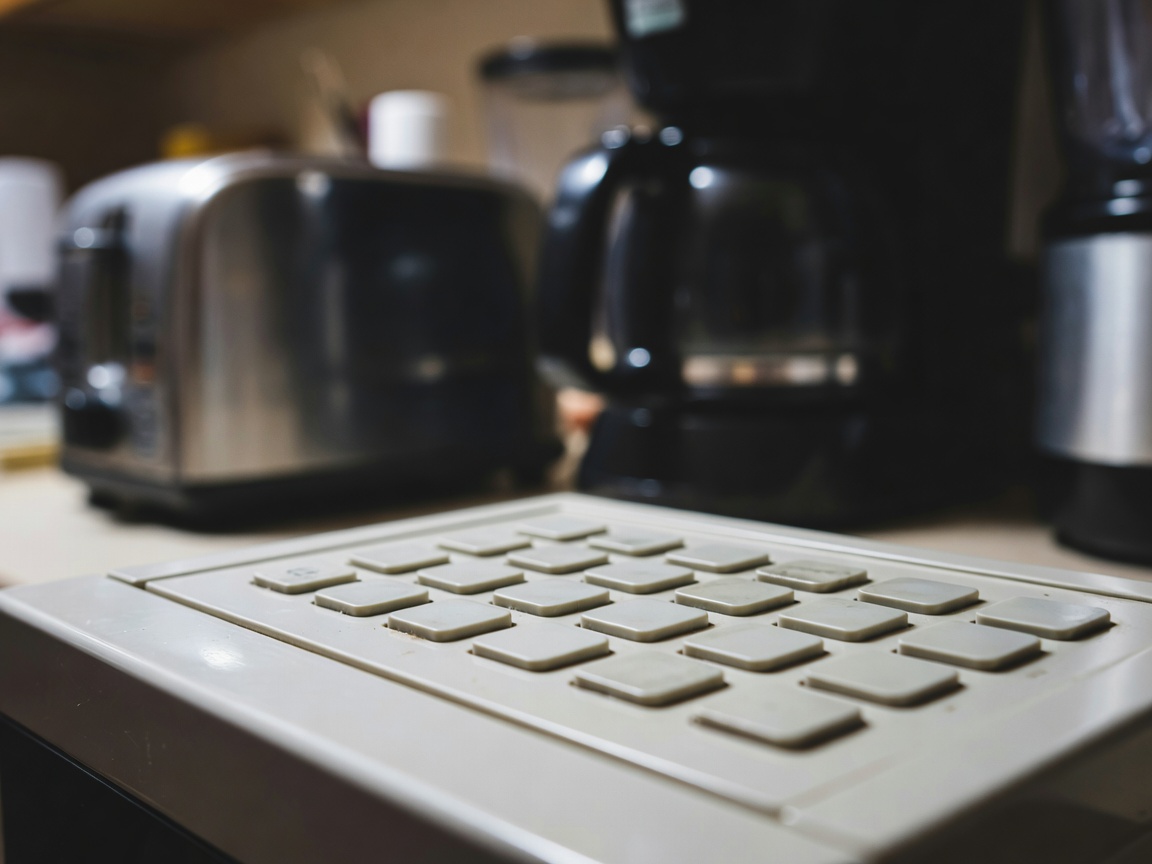
Kitchens are WiFi graveyards. Microwaves operate on the 2.4GHz frequency, and large metal appliances (fridges) block waves entirely.
Masonry
Concrete, brick, and stone chimneys will kill a 5GHz signal dead. Never place a router next to an interior stone fireplace.
Antenna Orientation
If your router has external, adjustable antennas, do not point them all straight up. WiFi signals radiate perpendicular to the antenna.
For a standard two-antenna router, point one straight up (to cover the horizontal floor) and point the other horizontally (to cover upstairs and downstairs). This creates a cross-pattern that maximizes device reception regardless of how the device is held.
Next: Decode Your Hardware